Academic Year 2024-25 Update
SERVICE JOB SUBMISSIONS ARE BY SPECIAL REQUEST ONLY – PLEASE EMAIL designlab@newschool.edu
Summer Open Hours (Starting 06/04 – 07/25)
Tues – Thurs | 12pm – 5pm
PRINTER CALENDARS | These are Google Calendar that can only be viewed by @newschool.edu email accounts, which can be added to your google calendars ONLY FOR VIEW. These indicate time slots that are reserved, indicated as BUSY, When requesting a reservation through our Reservation Form please choose time slots that are not BUSY.
LASER PRINTERS
INKJET PRINTERS
PLOTTERS
RISOGRAPH GOOGLE CALENDARS
- KOZUKA : Black | Cornflower | Flou Pink | Flou Orange | Metallic Gold | Mint | Orange | Yellow
- MINCHO : Aqua | Bisque | Blue | Bright Red | Federal Blue | Kelly Green | Light Grey | Lime Light | Sunflower | Violet
- MEIRYO : Bright Olive | Bubble Gum | Burgundy | Copper | Hunter Green | Midnight |
Mist| Purple | Scarlet | Steel | Teal | Turquoise
Mandatory Orientation
ALL STUDENTS WANTING TO USE THE DESIGN LAB WILL NEED TO COMPETE THE DESIGN LAB CANVAS ORIENTATIONS
Students wanting to make reservations through our Printer Reservation Form will need to complete the Canvas Orientations. Once your orientation status is confirmed you will be sent the form Link via Email.
THERE ARE 3
- TIER 01: This will grant you access to checkout tools, bookbinding equipment and resources and the booktrimmer.
- FULL ACCESS: You will need to complete the Tier 01 orientation to access the Full access orientation which will grant you access to the printers. Give you the ability to sign up for the Risograph Orientation.
- REFRESHER: This is available to all who completed the old Entry orientation last semester (Spring 2023), and will be available to those who complete the FULL ACCESS orientation this semester. This will grant you Full access to the Design lab every school year, instead of taking all the orientations over again.
YOU WILL NEED COMPLETE THE ONLINE MAKING CENTER GENERAL ORIENTATION ON CANVAS BEFORE GETTING ACCESS TO THE DESIGN LAB ENTRY ORIENTATION.
If you have not enrolled yet, this link will enroll you to the canvas orientations : https://newschool.instructure.
All student’s have access to Service printing, Open work Space, Library, and the Design Lab store without completing any canvas orientations.
Contact
If you have any questions or concerns please let us know by contacting us here:
- Design Lab
212-229-8900 ext.4383
designlab@newschool.edu
About the Design Lab
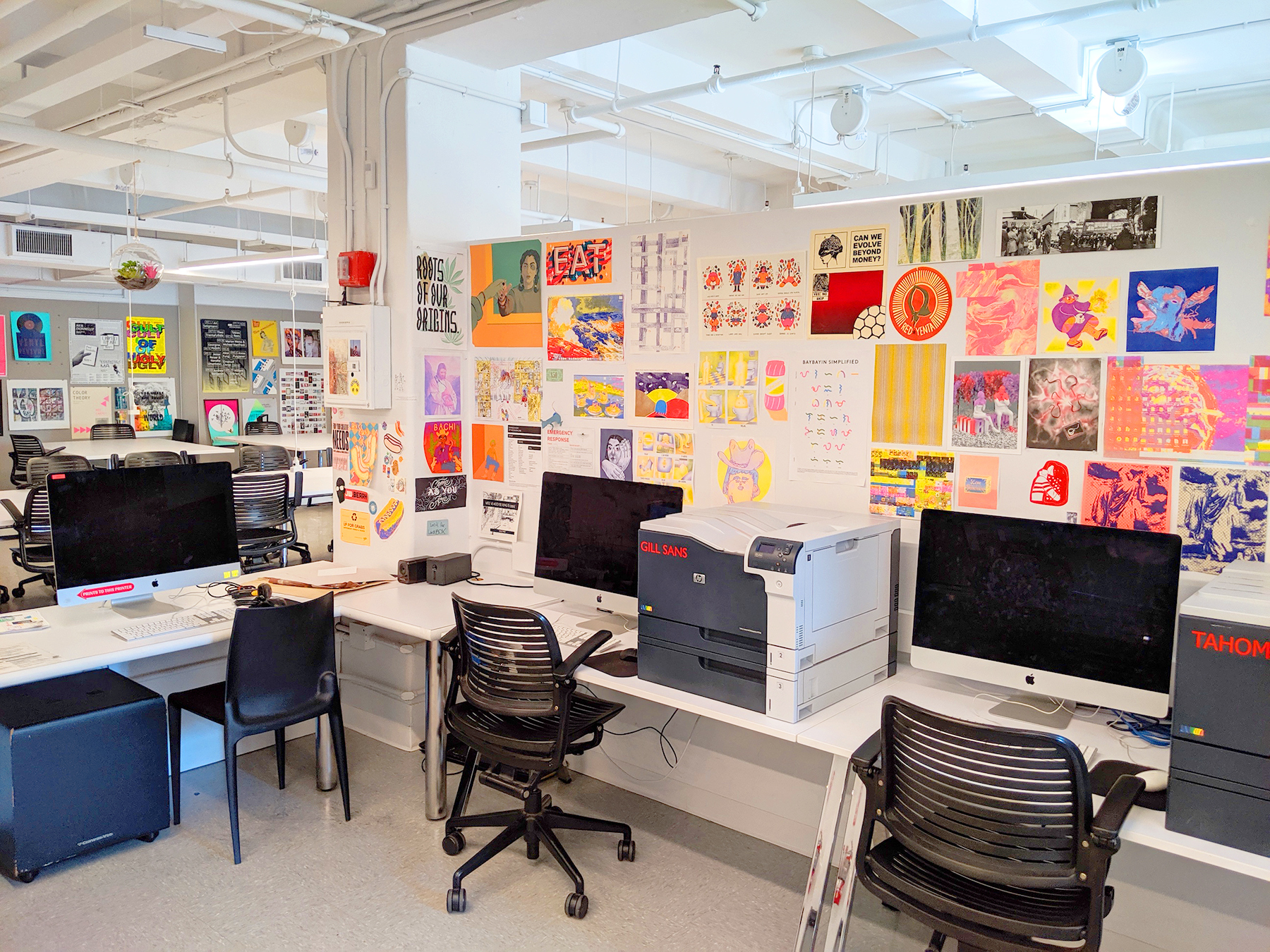
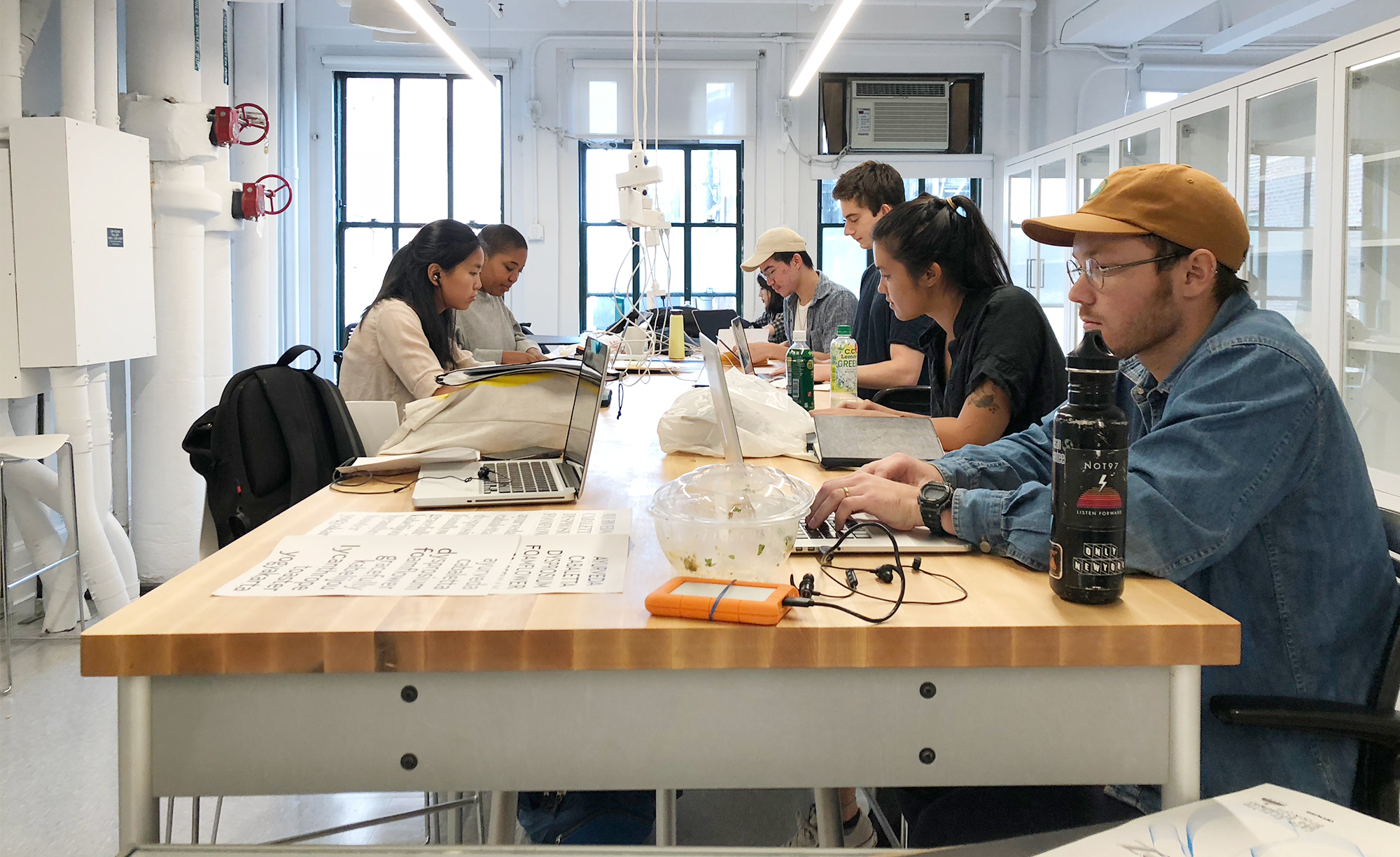
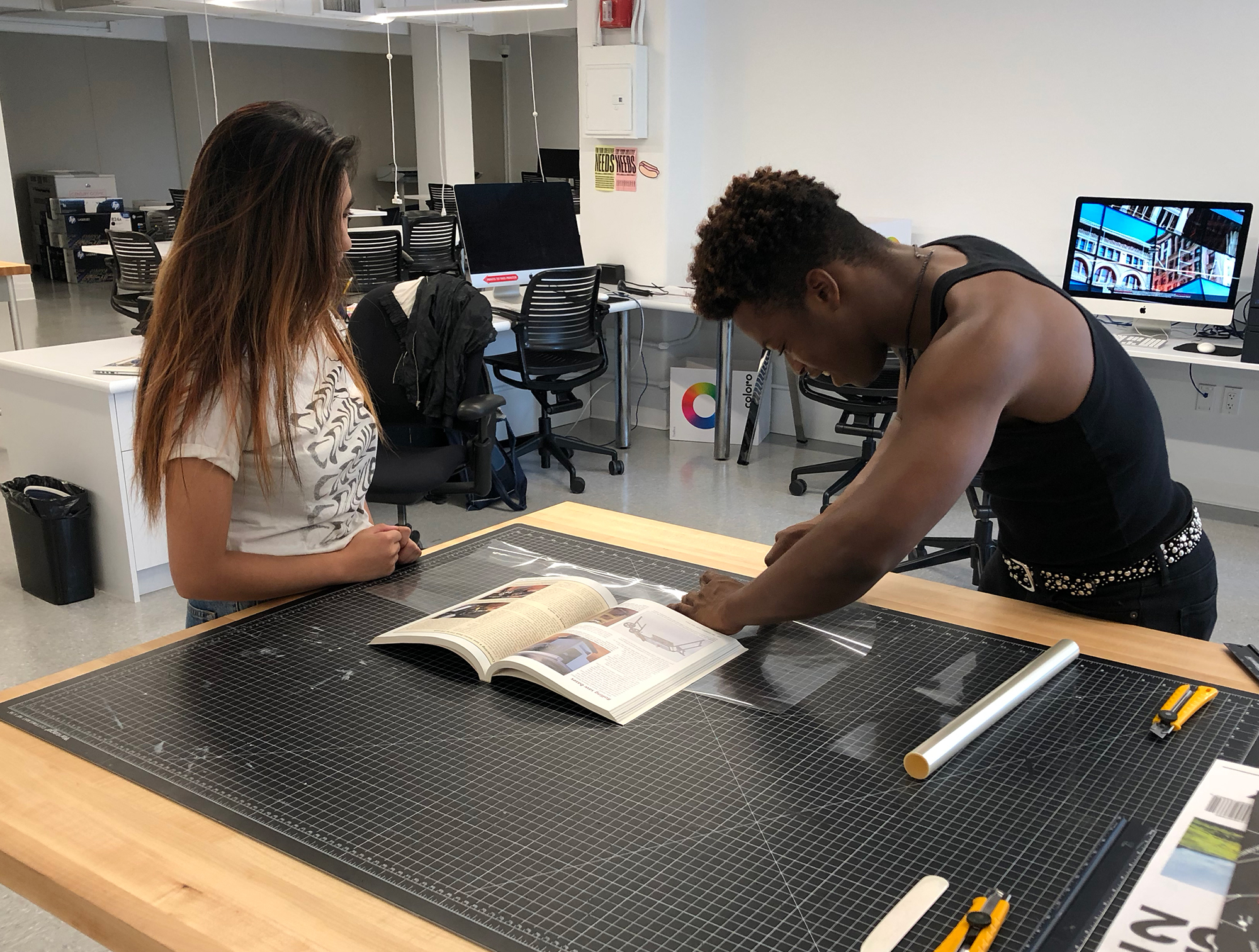
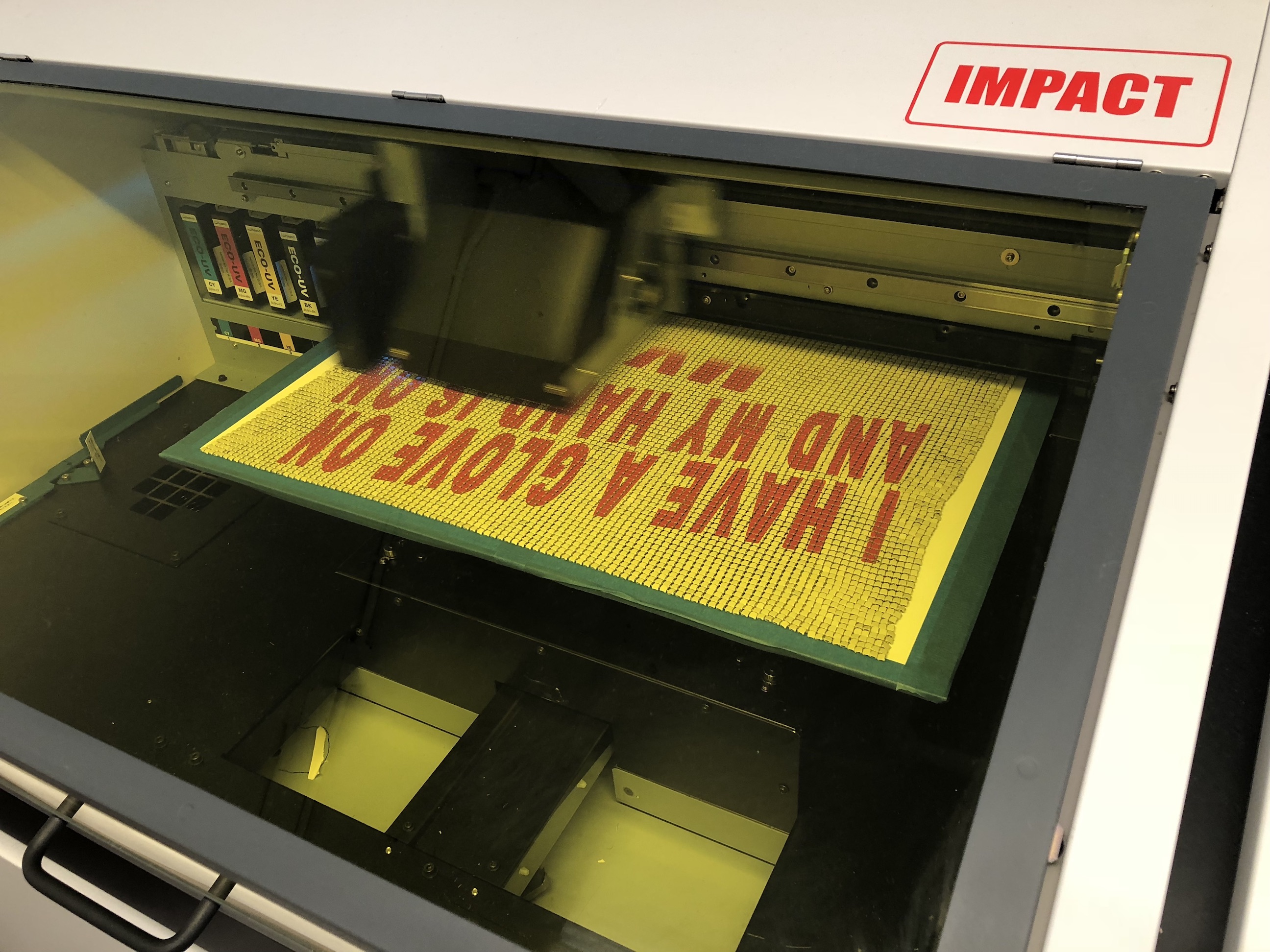
The Design Lab is a 2D digital production space. We provide access to design tools, software, equipment, and printing services around the creative printing needs of all students in the New School. Students get to bring their own paper and experimental materials to print on our vast array of printers. Besides the common printers you encounter throughout the school, the laser and inkjet printers, we offer access to unique machines like the Risograph printers, Vinyl Cutter, Roll scanner, Solvent Printer (For sticker Printing Only), Dye Sublimation Printer, and the UV Printer. Students have access to booklet production tools and other resources to produce a book. Technicians are on duty during open hours to assist you with how to properly and safely use the resources in the space.
Featured Equipment and Tools
- Color LaserJet Printer
- Desktop Inkjet Printer
- Inkjet Plotter
- Risograph Printer
- Vinyl Cutter
- Colortrac SmartLF SG 44 Wide Format Scanner
- Roland VersaUV LEF-200 UV Printer
Staff
-

Joe Hirsch
Facilities Manager, Print Media
-

Henry Portillo
Technician, Print Media Resources
-

Zarrin Karimi
Technician, Print Media Resources
-
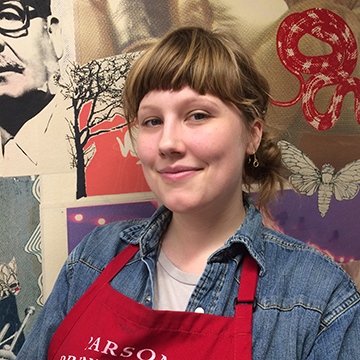
Ella Desmond
Technician, Print Media Resources
Gallery